Kindle vs Kobo: Which E-Reader Should You Buy?
Amazon's ecosystem against Rakuten's open approach. We compare formats, library borrowing, screens, lighting and value to help you choose an e-reader.
In this article
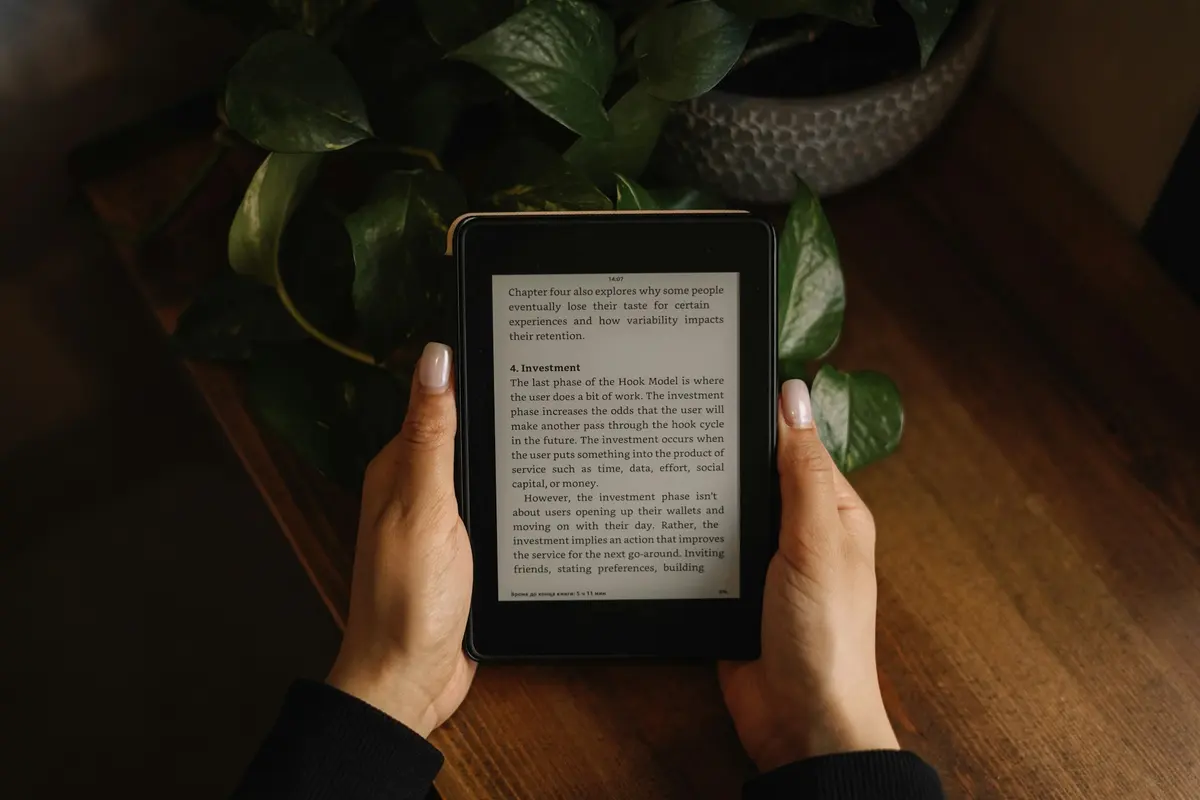
E-readers remain one of the best pieces of technology ever made for a single purpose. They are light, easy on the eyes and their batteries last for weeks. Nearly everyone considering one eventually ends up choosing between Amazon's Kindle and Kobo, a brand owned by Rakuten.
Both make excellent devices. The real differences are in how they handle books, libraries and your reading habits.
Ecosystem: the big decision
Kindle is tightly integrated with Amazon's store, Goodreads and Audible. Buying a book takes seconds, your library syncs across devices, and features such as Whispersync keep your place across e-reader and phone. Kindle Unlimited offers a subscription library. Amazon has also improved format support: you can send EPUB files to a Kindle using its Send to Kindle tools.
Kobo takes a more open approach. Its devices natively support EPUB, the most common ebook format, along with PDF and other formats. In many regions, Kobo has built-in support for borrowing library books through OverDrive, so you can check out books from your local library directly on the device. Kobo's own store also offers a subscription option, and it supports Pocket for saving articles to read later.
Side-by-side
| Kindle | Kobo | |
|---|---|---|
| Store | Amazon, huge selection and pricing | Kobo store, plus more open to third-party sources |
| Library lending | Available in some regions through third-party apps | Built-in support in many regions |
| File formats | Proprietary formats, EPUB via Send to Kindle | EPUB, PDF and more natively |
| Screen and lighting | Sharp E Ink displays, adjustable warm light on many models | Sharp E Ink displays, adjustable warm light on many models |
| Waterproofing | Available on select models | Available on select models |
| Page-turn buttons | Limited models | Available on select models |
| Color models | Available | Available |
| Ecosystem lock-in | Higher | Lower |
| Price tier | Budget to premium | Budget to premium |
Reading experience
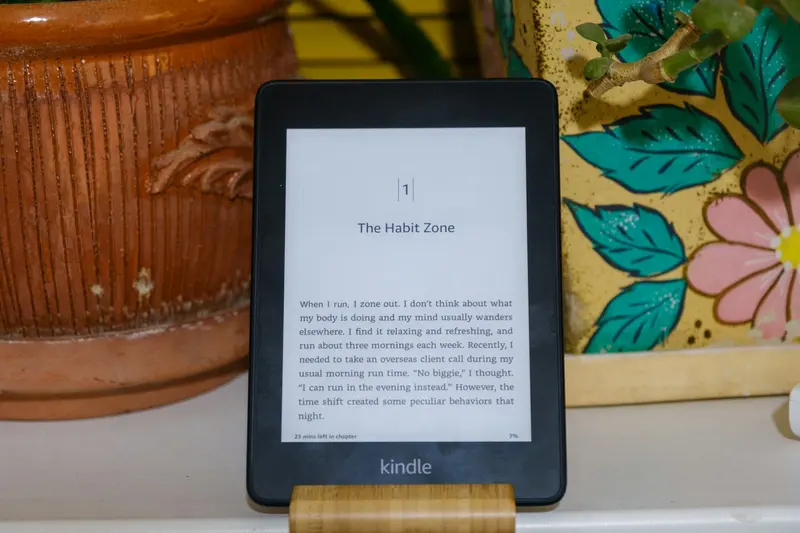
Modern e-readers have excellent 300 ppi displays, so text looks crisp on both. Features to compare include:
- Warm lighting. Adjustable amber lighting is easier on the eyes at night.
- Screen size. Six or seven inches suits one-handed reading, while larger screens are better for PDFs and comics.
- Physical buttons. Some readers prefer page-turn buttons to touch controls, especially when reading in bed.
- Waterproofing. Useful for the bath or the beach.
- Speed. Newer models turn pages faster and feel more responsive.
- Color. Color E Ink models exist, and they suit comics, covers and highlights, though text is usually slightly less crisp than on a black-and-white display.
Libraries and borrowing
If you read a lot, library access can save real money. Kobo's built-in support for OverDrive makes borrowing seamless in supported countries. On Kindle, borrowing often takes an extra step, via the library's website or app, and availability varies by country. Check what your local library offers before deciding.
Buying and owning books
One important thing to understand: most ebooks are licensed, not owned. Purchases on either platform are tied to your account and protected by DRM, so switching ecosystems later means you may lose easy access to your library. Kobo's openness makes it easier to use non-store books, and there are tools that can help you manage your own files, subject to the law and the terms of each retailer.
Cost of reading
E-readers themselves are inexpensive compared with the books you might buy. Ebook prices vary, and many titles are discounted. Consider:
- Subscriptions such as Kindle Unlimited or Kobo Plus, which are useful if you read several books a month.
- Library borrowing, which is free.
- Free classics from Project Gutenberg and similar sources.
- Sales and daily deals, which both stores run regularly.
- Device discounts, common around big sales; see our Black Friday strategy for how to check whether a deal is real.
E-reader, tablet or paper?
E-readers are better than tablets for long reading sessions. They do not have glare, distraction or eye strain, and their battery lasts. Tablets are better for color, magazines and browsing. Paper books offer a tactile experience that many readers love, and secondhand books are extraordinarily cheap. The best strategy for many households is a mix.
Who should buy which
Choose a Kindle if:
- You already buy from Amazon and use Audible or Prime Reading.
- You value simplicity and a big catalog.
- You want easy syncing with the Kindle phone app.
Choose a Kobo if:
- You read EPUB files or borrow from libraries.
- You prefer an open ecosystem.
- You want physical page-turn buttons or a specific size.
The bottom line
Pick the ecosystem you are happy to be part of. If you are buying most of your books from Amazon, a Kindle is effortless. If you read widely, borrow often or dislike lock-in, Kobo is a compelling alternative. Either way, you will read more.
Product lineups, prices and availability change often. Check current specs and retailer terms before you buy. See our editorial policy and affiliate disclosure.