Standing Desks Explained: How to Set Up a Comfortable Home Office
Sit-stand desks, chairs and monitor height: a practical guide to building a home office that is comfortable, productive and worth the money.
In this article
The home office has gone from an emergency arrangement to a permanent part of many lives, and the kitchen table no longer cuts it. Sitting for hours in a poor position leads to sore backs, stiff necks and tired eyes. A well-planned desk setup can make a noticeable difference to comfort and focus.
Standing desks have become the poster child of the movement. But are they worth it, and how should you choose one? This guide covers the essentials.
Do standing desks work?
A sit-stand desk lets you change position during the day. The benefit is not standing all day, which has its own problems, but movement and variety. Research on sit-stand desks suggests they can reduce sitting time and may help with discomfort, but the evidence for broader health benefits is mixed. The consensus among ergonomics experts is that the best posture is the next posture: change position often, stand up, stretch and walk.
This article is general information and not medical advice. If you have pain or a health condition, consult a professional.
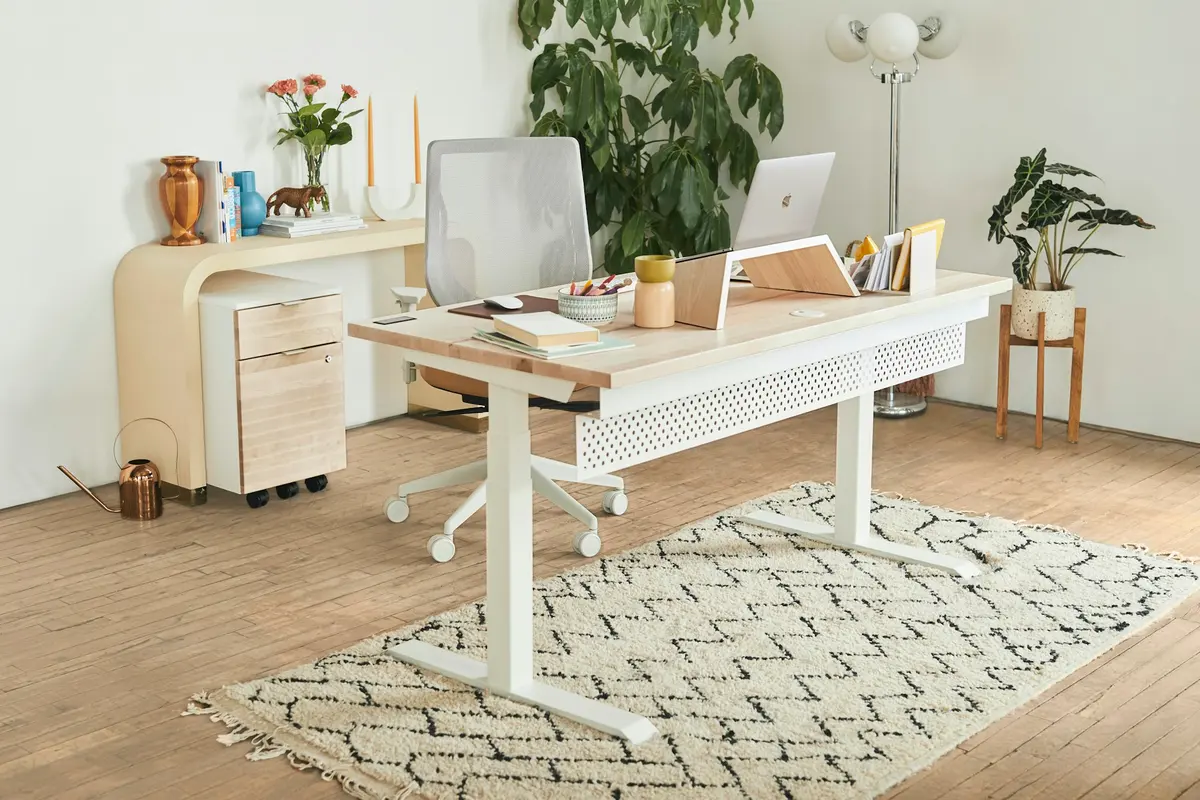
Types of standing desk
| Type | How it works | Pros | Cons |
|---|---|---|---|
| Electric sit-stand desk | Motorised legs raise and lower a full desktop | Smooth, memory presets, sturdy | Higher price |
| Manual crank desk | You turn a handle to adjust height | Cheaper, no power required | Slower, more effort |
| Desk converter | A riser that sits on top of your existing desk | Affordable, easy to try | Takes up desktop space, less stable |
| Fixed-height standing desk | A high desk you use with a stool | Simple and stable | Not adjustable |
For daily use, an electric desk is the most practical. Adjusting in seconds means you will actually use it.
What to look for
- Motors. Dual-motor desks lift heavier loads with less wobble than single-motor desks.
- Height range. Make sure the desk reaches the correct height for you both sitting and standing. Taller people need extra clearance.
- Weight capacity. Check that the desk can support your monitors, computer and accessories with a margin to spare.
- Stability. Look for a sturdy frame and a stable top at standing height. Wobble is a common complaint at maximum extension.
- Desktop size and material. Consider depth for monitors and width for your elbows and accessories.
- Memory presets. These let you switch to saved heights with one touch.
- Anti-collision technology. Helps stop the desk when it meets an obstacle.
- Warranty. Five years or more on the frame is typical for good brands.
Brands worth investigating include Uplift, Fully (Jarvis), FlexiSpot, Autonomous and IKEA's electric desk range. Compare reviews and warranty terms, and think about shipping and assembly.
Set your desk up correctly
Ergonomics guidelines are simple.
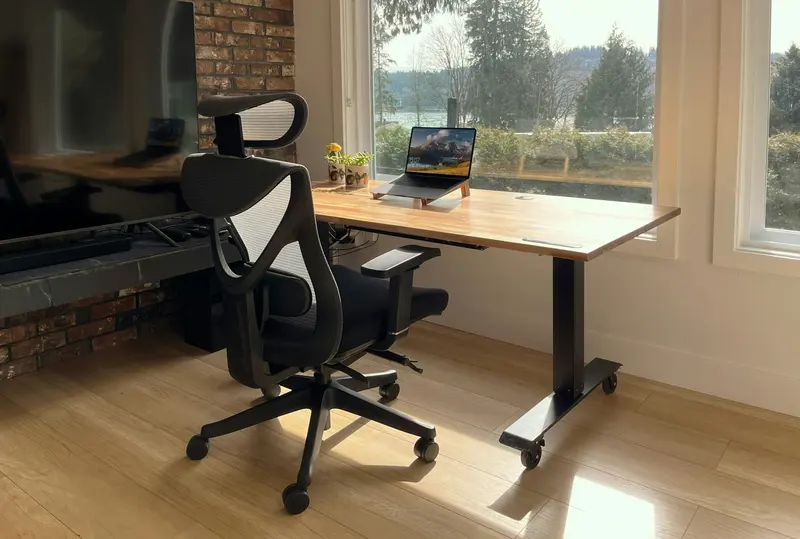
- Elbows at about 90 degrees, with forearms parallel to the floor and shoulders relaxed.
- Monitor top at or slightly below eye level, about an arm's length away.
- Feet flat on the floor or a footrest when sitting.
- Wrists straight when typing, not bent up or down.
- Keyboard and mouse close together to avoid overreaching.
- Laptop on a stand with a separate keyboard and mouse, if you use one for long periods.
Adjust your desk height when standing so that your elbows still rest at about 90 degrees.
The chair matters as much as the desk
If you sit for many hours a day, a good chair is one of the best investments you can make. Look for adjustable seat height and depth, lumbar support, adjustable armrests and a comfortable seat cushion. Well-known ergonomic chairs from Herman Miller, Steelcase and other office-furniture brands are popular but pricey; there are also good mid-range options, and refurbished ergonomic chairs can cost much less. Try to sit in a chair before buying, or buy with a generous return policy.
Other accessories worth considering
- An anti-fatigue mat for standing sessions.
- A monitor arm to fine-tune height and free desk space.
- Cable management, such as trays and clips, so cables do not snag while the desk moves.
- Good lighting. A desk lamp and natural light reduce eye strain.
- A footrest for comfort if your feet do not reach the floor.
- A supportive keyboard and mouse for long typing sessions.
Habits beat hardware
Even the best equipment cannot fix a poor routine. Try these habits:
- Alternate between sitting and standing every 30 to 60 minutes.
- Take a short walk or stretch every hour.
- Follow the 20-20-20 rule for your eyes: every 20 minutes, look at something 20 feet away for 20 seconds.
- Keep water nearby and take proper breaks.
- Stand for short periods and avoid standing rigidly in one position.
How to save money
- Try a converter first. If you are not sure that you will use a standing desk, a converter is a low-cost experiment.
- Buy during sales, when standing desk brands run promotions. Our Black Friday shopping strategy shows how.
- Consider refurbished or used desks from office-furniture liquidators.
- Match your spend to your usage. If you work at home two days a week, a mid-range desk is likely enough.
- Check the total cost, including shipping, assembly and accessories.
The takeaway
A standing desk is a tool, not a cure. Choose a sturdy, dual-motor model with the height range you need, pair it with a good chair, set your monitor at eye level and make movement a habit. Your body will thank you for it.
Product lineups, prices and availability change often. Check current specs and retailer terms before you buy. See our editorial policy and affiliate disclosure.